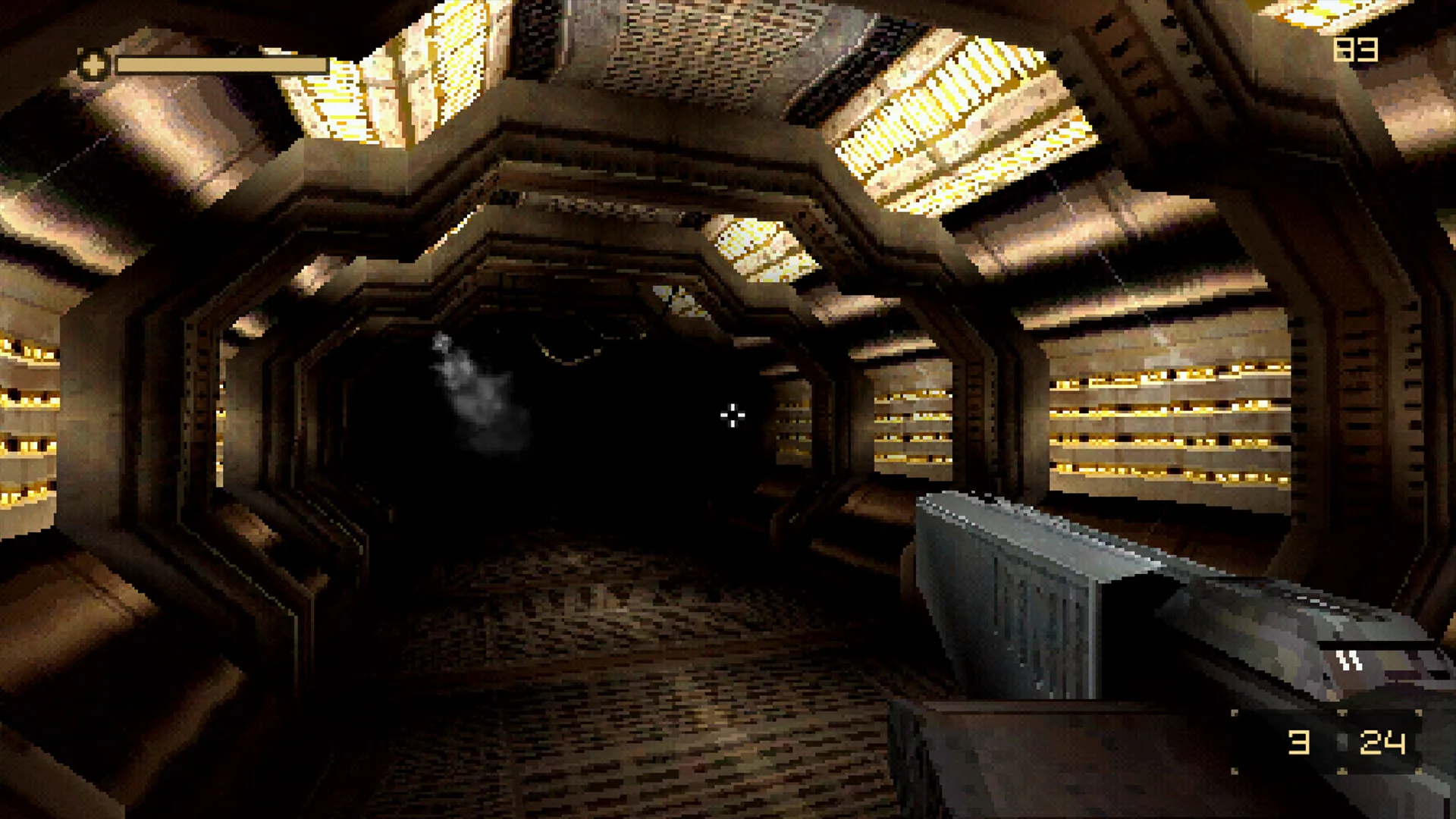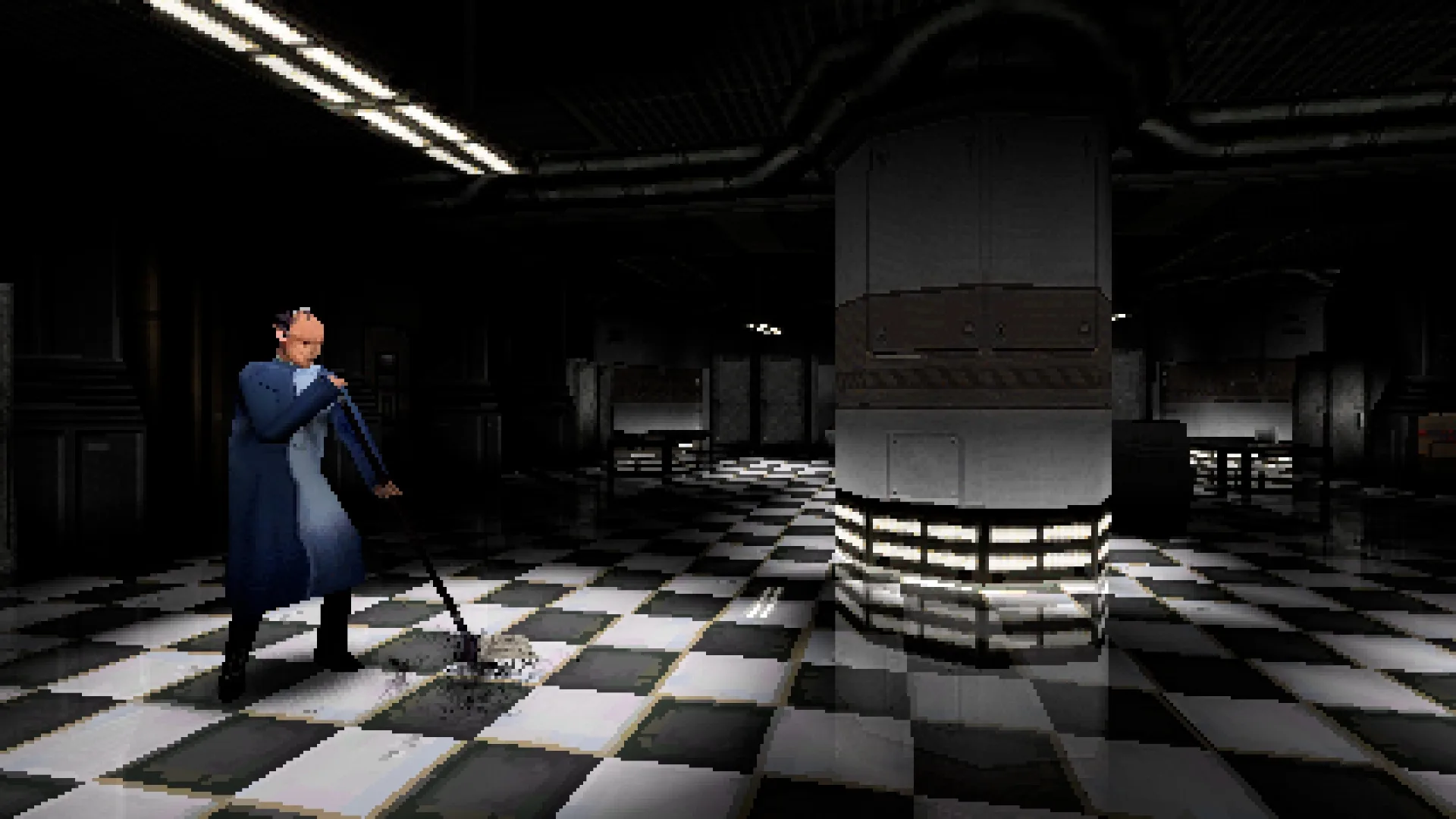
DERELIKT does not force one version of its retro look. The developer describes a toggle between a crunchy, era-accurate low-resolution mode and a clean high-resolution mode, plus separate options for texture warping and dithering. That means “blurry” or “wobbly” is a setting, not necessarily a bug.
Low-res vs high-res
The low-resolution mode is the authentic presentation: fewer pixels, softer edges and a stronger 1999-console texture. The high-resolution mode keeps the low-poly geometry but gives the image a cleaner edge. Neither mode changes the underlying level design or enemy behaviour.
Texture warping and dithering
Texture warping is the affine wobble associated with early 3D hardware; dithering is the patterned grain used to fake colour depth. The developer says both can be switched off entirely. They are separate from the resolution mode, so you can mix a clean high-res image with one retro effect left on.
- Warping on: floors and walls visibly swim as you move; stronger period feel.
- Warping off: straighter geometry and a more modern surface read.
- Dithering on: visible grain and banding; closer to the PS1 look.
- Dithering off: cleaner gradients and less visual noise.
Make it look modern
- Choose the high-resolution mode.
- Switch texture warping off.
- Switch dithering off.
- Keep the low-poly models and lighting; those are the art direction, not the filter.
This gives the clearest image without pretending the game is a modern shooter. It is the setup to try first if the default look causes eye strain or makes small objects hard to read.
Keep the PS1 look
- Choose the low-resolution mode.
- Leave texture warping on.
- Leave dithering on.
- Turn off any modern sharpening or anti-aliasing options your platform offers, if present.
This is the version the trailers sell: soft edges, swimming textures and a station that looks like it was recovered from a 1999 disc. The game is designed to be readable in this mode, not merely blurry for effect.
Advertisement
Platform notes
The developer described the toggles in the PC renderer post and the PlayStation.Blog announcement, so PC and PS5 are the best-documented versions. The Xbox release is live, but its menu labels were not separately documented at the check. On any platform, look for display or graphics options named around resolution mode, texture warping and dithering.
- Low-resolution and high-resolution visual modes.
- Texture warping can be switched off.
- Dithering can be switched off.
- Full PC settings menu, FOV slider and frame cap are not publicly documented.
DERELIKT graphics FAQ
How do I turn off the pixelation in DERELIKT?
Switch from the crunchy low-resolution mode to the clean high-resolution mode. The developer confirmed both modes in the Steam renderer post and PlayStation.Blog. The exact menu label may differ by platform; look under display or graphics settings.
Can I turn off texture warping and dithering separately?
Yes. The developer says texture warping and dithering can be toggled off entirely. They are separate visual options, so you can keep the low-poly geometry while removing the wobble or grain.
Does turning off the PS1 effects improve performance?
No tested performance data exists for the launch build. The toggles are visual options, not a documented performance preset. Changing resolution may affect frame rate, but we have not measured it and will not invent a number.
Are the graphics settings on PS5 and Xbox the same?
The developer confirmed the visual toggles in the PC/PS5 material. Xbox menus were not separately documented at the check. Look for the same low-res/high-res, warping and dithering options, but do not assume identical labels.
For the renderer itself, see the visual system section. For the PC baseline, see system requirements.